Overview
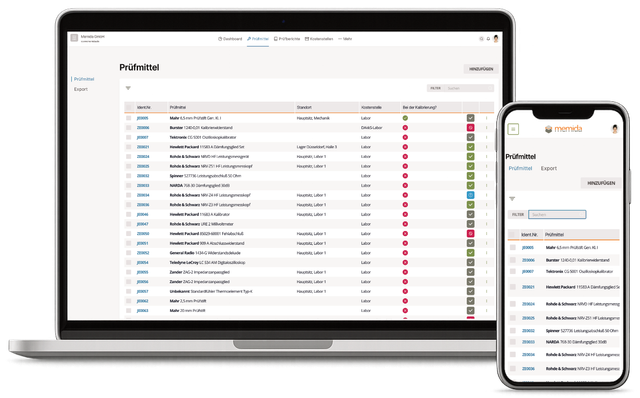
Fig. 1: Inspection equipment list
List view
Click the first column (ID no.) or the three vertical dots  and select View to open the equipment details.
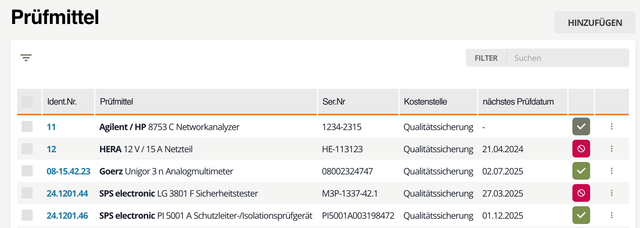
Fig. 2: Inspection equipment list
tip
Lists appear throughout Memida. General list controls are described in the Usage guide.
Create labels for inspection equipment
If you created and published label templates with the sticker assistant, you can use them to generate equipment labels.
First select all devices in the list (1) that need a label. Next, click Bulk action (top right), then Label (2), and finally Execute (3). Choose the template you want to use (4). Memida generates a PDF with labels for the selected devices.
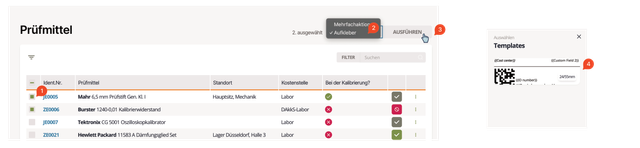
Fig. 3: Inspection equipment labels