Devices
Edit
Select device master data from the list to edit it. Use the search field in the top right to narrow the list.
Click the three dots at the end of the row and choose Edit. Update the data and click Save when you are done.
Manufacturers and categories provided in the default configuration cannot be edited here. Adjust manufacturers and device categories via their dedicated menus.
Add
Before adding, make sure the device does not already exist (use the search field to check).
There may be valid reasons to keep duplicates, but we generally recommend avoiding them.
Click Action → Add to open the dialog for new device master data.
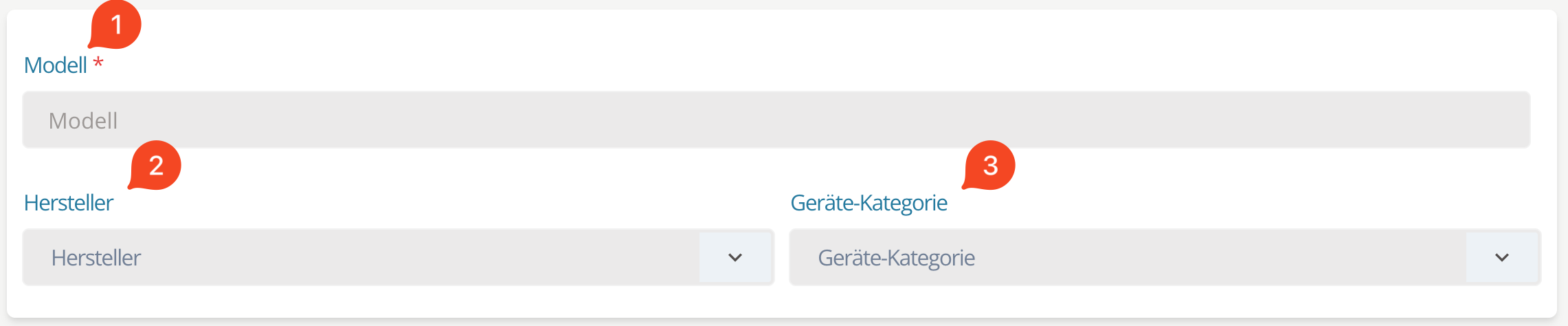 Fig. 1: Enter or select device master data
Model / name (1)
Enter the model or device name.
Choose a distinctive name to make future identification easier.
Manufacturer (2)
Select the manufacturer. Only one manufacturer can be chosen. Click + Add to create a new manufacturer.
Device category (3)
Select at least one device category. You can assign multiple categories or click + Add to create new ones.
Images / files
You can upload up to 10 files per device—for example:
- Product photo
- Technical drawing
- Manual
- Specifications / data sheet
Drag and drop files into the upload area or click it to select files.
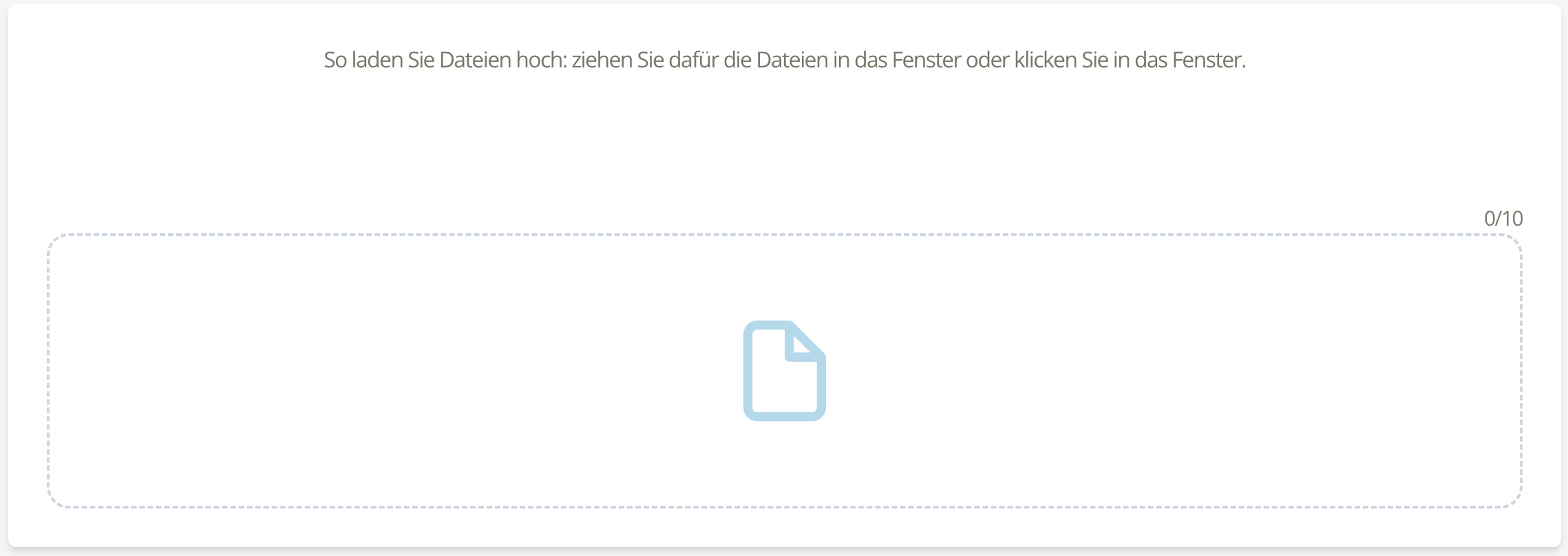 Fig. 2: Upload files for a device
After uploading, some properties are detected automatically.
Specify content (1)
Use the dropdown to describe the file contents.
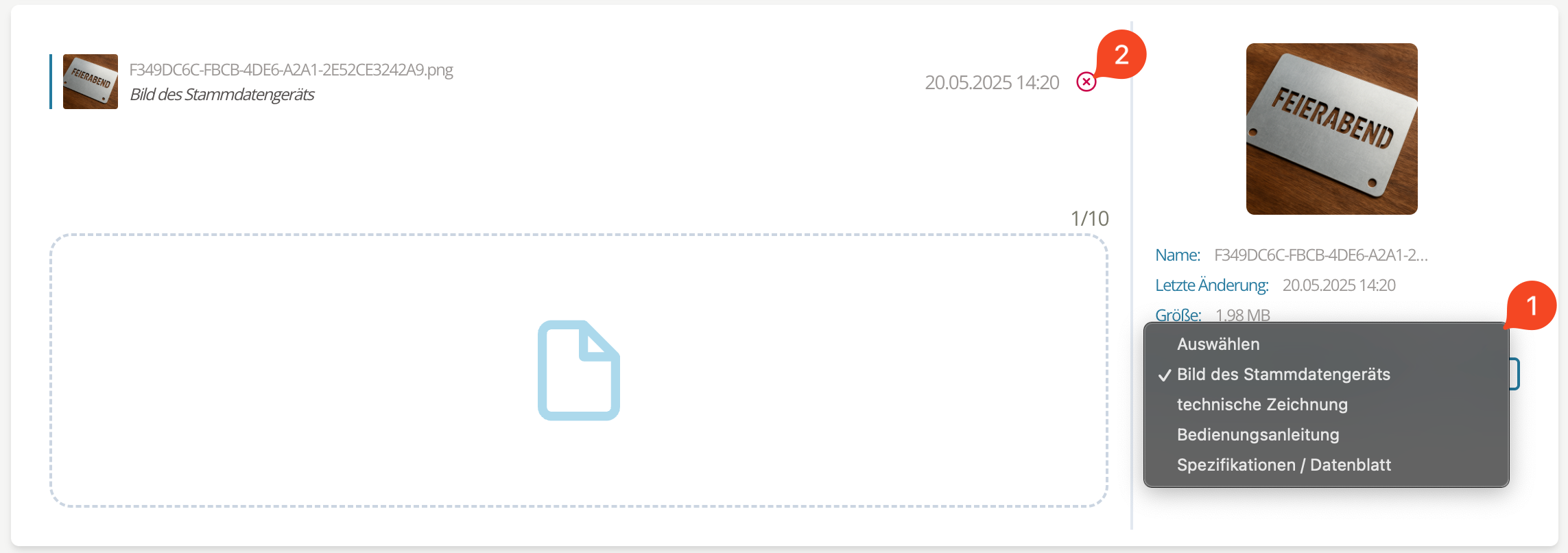 Fig. 3: Specify uploaded files
Remove upload (2)
Click the red x to remove an incorrect file.
Uploaded files replace the defaults from the base configuration.
Description / technical information
Use the text field to provide additional information.
 Fig. 4: Add description or technical information
Click Add to save the new device master data.
Delete
Select the device in the list (use the search field to narrow the view), click the three dots, and choose Delete.
Deleting a device happens without an extra confirmation.
Deleting device master data does not affect existing inspection equipment. Their records remain intact.