Manufacturers
Many manufacturers already exist in the database. Edit them or add your own here.
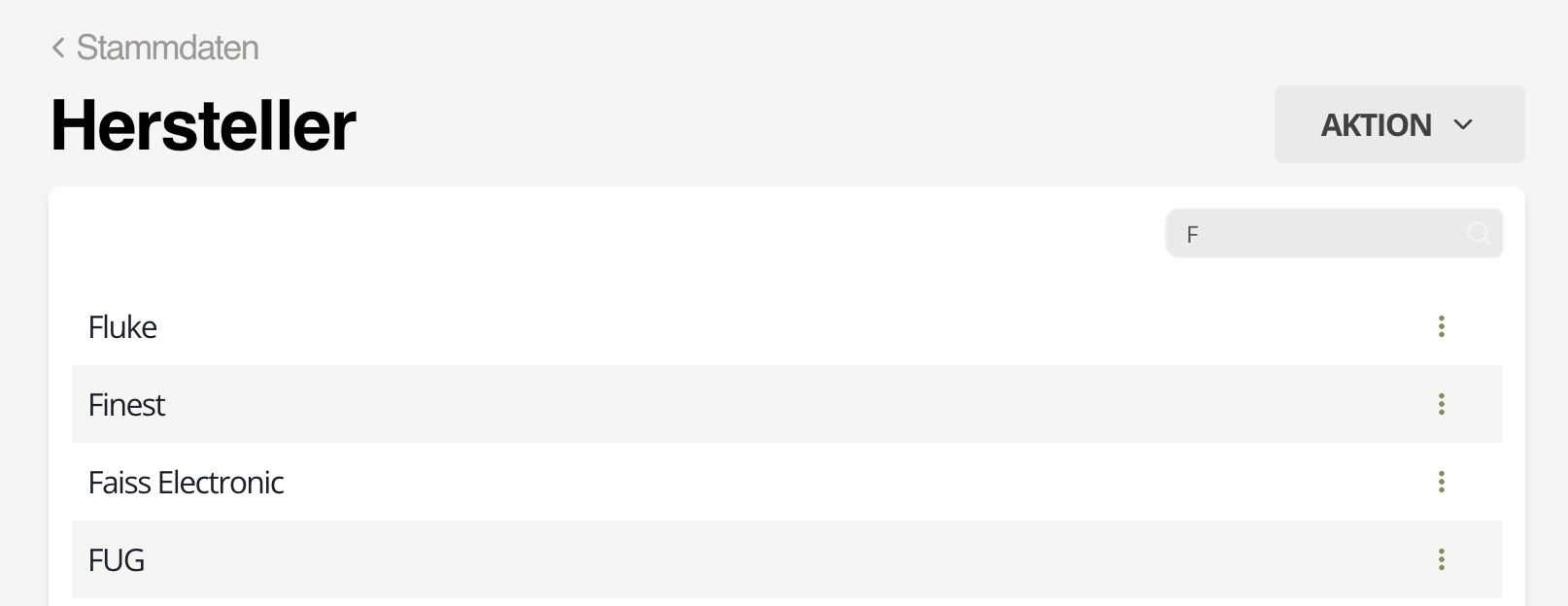 Fig. 1: Manufacturers
Edit
Select the manufacturer in the list, use the search to narrow it, click the three dots, and choose Edit. Update the data and click Save.
Add
Before adding, confirm the manufacturer is not already stored.
note
There may be reasons to keep duplicates, but we generally discourage it.
Click Action → Add, enter the manufacturer name, and click Add to save it.
Delete
Select the manufacturer, click the three dots, and choose Delete.
danger
Deleting a manufacturer happens without an additional confirmation.
info
Deleting manufacturers does not affect existing inspection equipment. Their records remain intact.