Inspection report types
Default types are already available. Edit them or add your own.
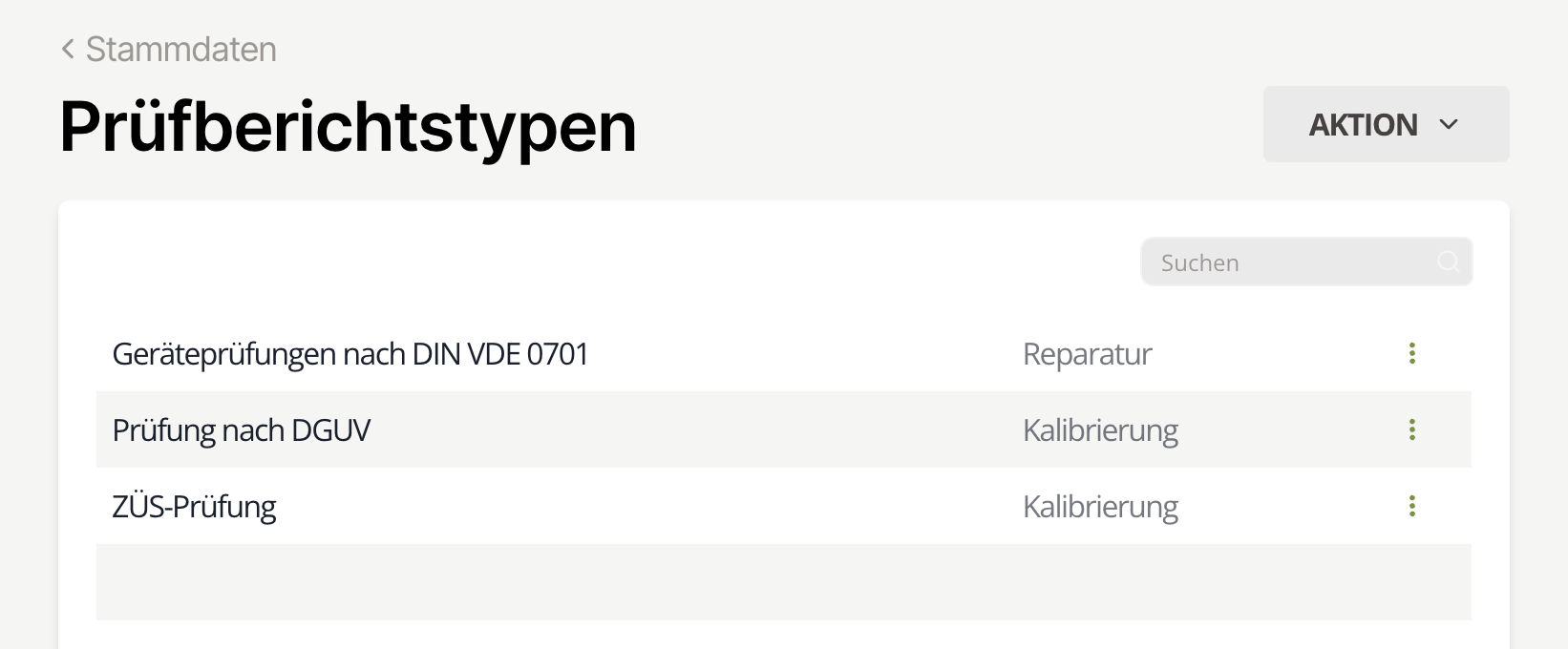 Fig. 1: Inspection report types
Edit
Select the type from the list, narrow it via the search field, click the three dots, and choose Edit. Update the data and click Save.
Add
Click Action → Add to open the dialog. Enter the name and optional information, then click Add to save.
| Name | Type | Info |
|---|---|---|
| Inspection | inspection | Does not advance the inspection date |
| Calibration | calibration | Advances the inspection date |
| Repair | repair | |
| Decision | decision | Shown only when a decision is pending |
| Other | other |
Delete
Select the type, click the three dots, and choose Delete.
danger
Deleting a type happens without an additional confirmation.
info
Deleting report types does not affect existing inspection equipment. Their records remain unchanged.