Custom labels for inspection equipment, packages and machines

Memida’s new sticker assistant introduces a powerful way to design and manage custom labels for inspection equipment, packages, and machines. The focus is on flexibility, ease of use, and the ability to print DataMatrix codes directly on labels for fast identification with the Memida app.
New features at a glance
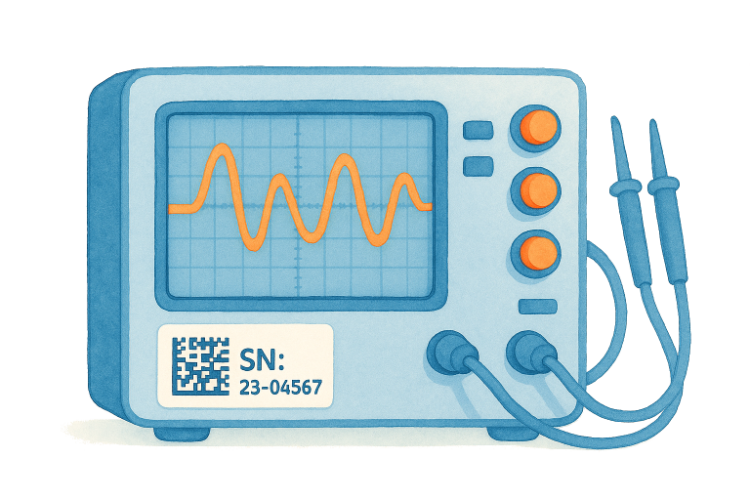
Labels for inspection equipment, machines, and more
Companies can now create tailored labels to identify inspection equipment efficiently. Highlights include:
- Freely scalable dimensions (between 9 mm and 500 mm)
- Support for DataMatrix codes for machine-readable identification
- Integration of text, dynamic fields, shapes, colors, files, and more
- Templates can be created, saved, and published
Drag-and-drop editor
The editor offers an intuitive interface for visual design:
- Add elements such as text fields, dynamic text, custom fields, or DataMatrix codes with a click or drag
- Customize colors and typography (Open Sans by default, additional fonts available)
- Undo/redo and shortcuts (Cmd/Ctrl+C, Cmd/Ctrl+V, Save) speed up editing
Files and layers
- Upload files directly into templates (up to 10 files / max. 64 MB total)
- Manage layers via drag and drop, lock individual elements for protection
- Color management, including all colors used in the template
Template management
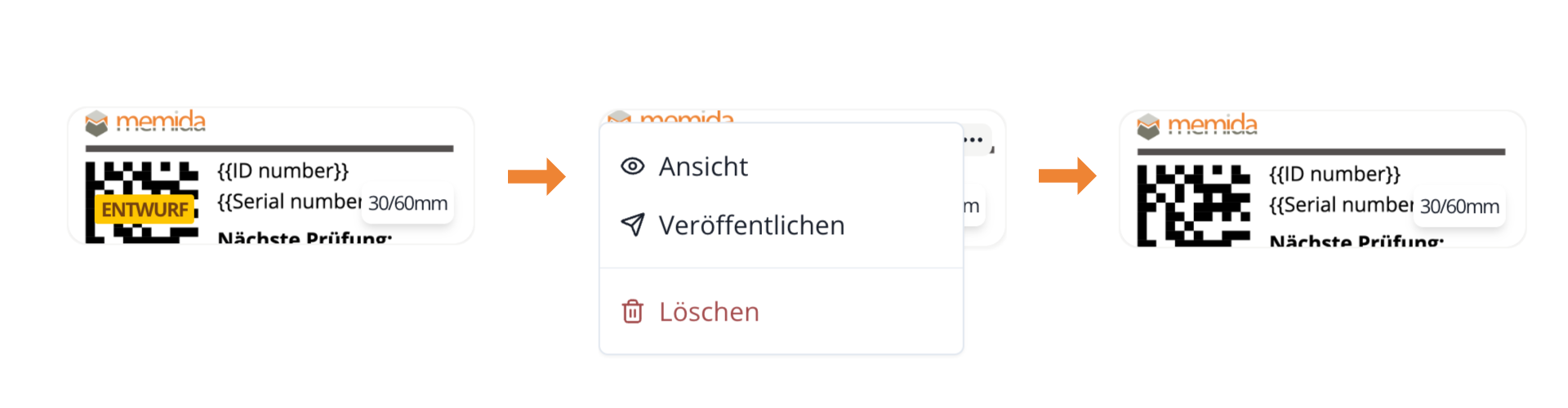
Templates can be saved as drafts or published for organization-wide use:
- Drafts are visible only to their creator
- Publishing is available for paid plans (not trial accounts)
- Templates appear in a dedicated overview and can be edited or deleted directly
Templates must be published before you can generate labels from them. Unpublished templates are visible only to their creator.
Generate labels directly from the inspection equipment list
In the inspection equipment list you can now select a template via bulk actions. Memida fills it automatically with the corresponding data and prepares the download. Only published templates (no drafts) are available.
General improvements
Alongside the new sticker assistant we fixed minor issues and made general optimizations to further improve performance and usability.
Learn more about the feature in our handbook: Sticker assistant.